
Games
Games add interactivity and engagement to your learning experiences. They test knowledge, reinforce concepts, and make learning more memorable.
Each game type is fully customisable — change the questions, answers, images, colours, and scoring to match your content.
Quiz games
Quiz games test learner knowledge with questions and answers.
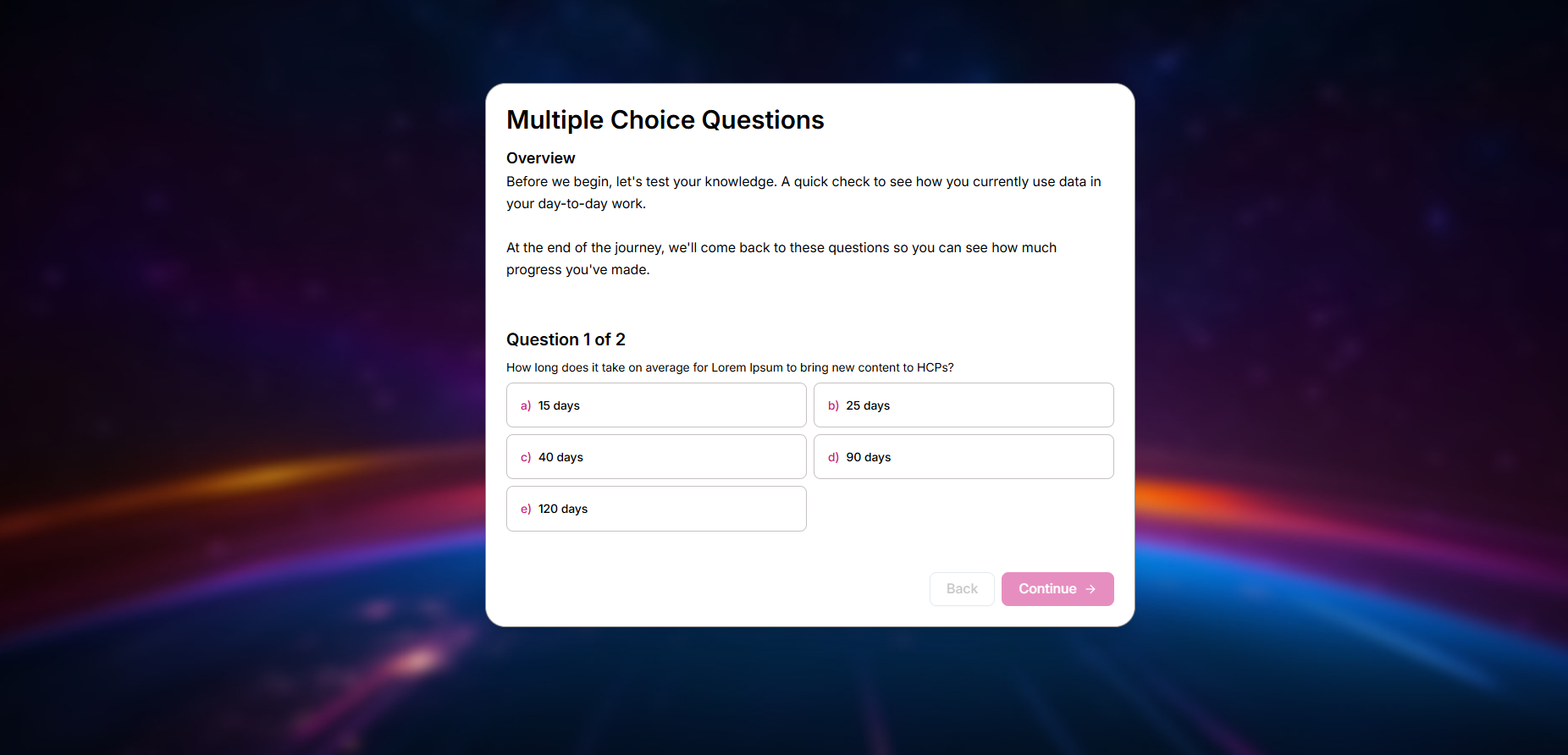
Multiple Choice
A classic quiz format where learners select the correct answer from several options. Supports single or multiple correct answers.
Customisation options:
- Question text and media
- Answer options (text or images)
- Correct/incorrect feedback
- Points and scoring
- Background and theme colours
- Sound effects
PostMessage events: finish, requestForNextPage, reset, updateScore
// Supported events
window.parent.postMessage({ message: "finish" }, "*")
window.parent.postMessage({ message: "requestForNextPage", score: 10, totalGameScore: 30, gameId: "multiple-choice", page: 1 }, "*")
window.parent.postMessage({ message: "reset" }, "*")
window.parent.postMessage({ message: "updateScore", value: 10, isFinished: false }, "*")
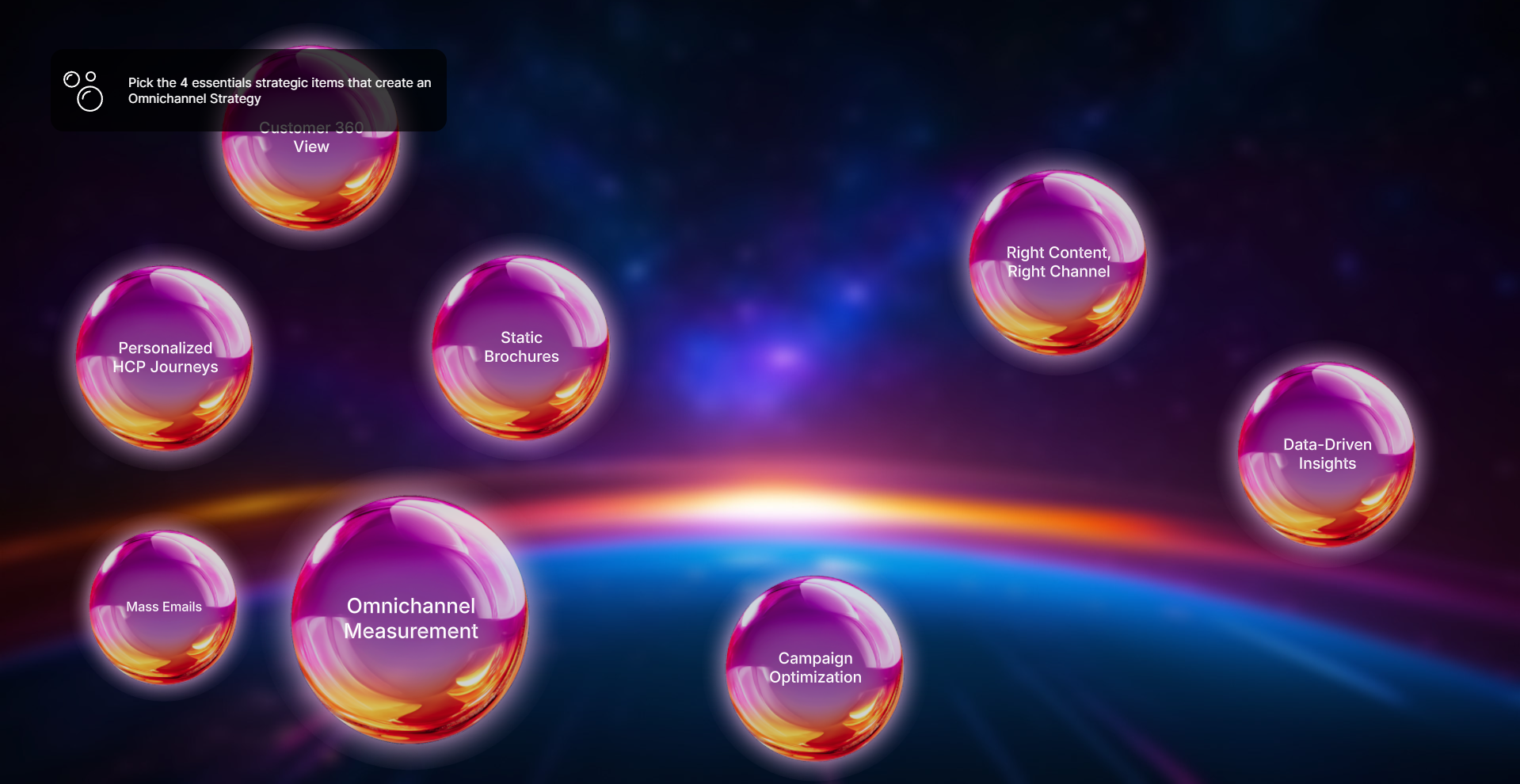
Bubble
An interactive quiz where answers float as bubbles. Learners tap or click the correct bubbles before time runs out.
Customisation options:
- Questions and answers
- Bubble images and icons
- Timer duration
- Points per correct answer
- Background image
- Sound effects and animations
PostMessage events: finish, requestForNextPage, reset, updateScore
// Supported events
window.parent.postMessage({ message: "finish" }, "*")
window.parent.postMessage({ message: "requestForNextPage", score: 20, totalGameScore: 60, gameId: "bubble", page: 1 }, "*")
window.parent.postMessage({ message: "reset" }, "*")
window.parent.postMessage({ message: "updateScore", value: 10, choice: "bubble-1" }, "*")
Sorting games
Sorting games challenge learners to organise items into the correct order or categories.
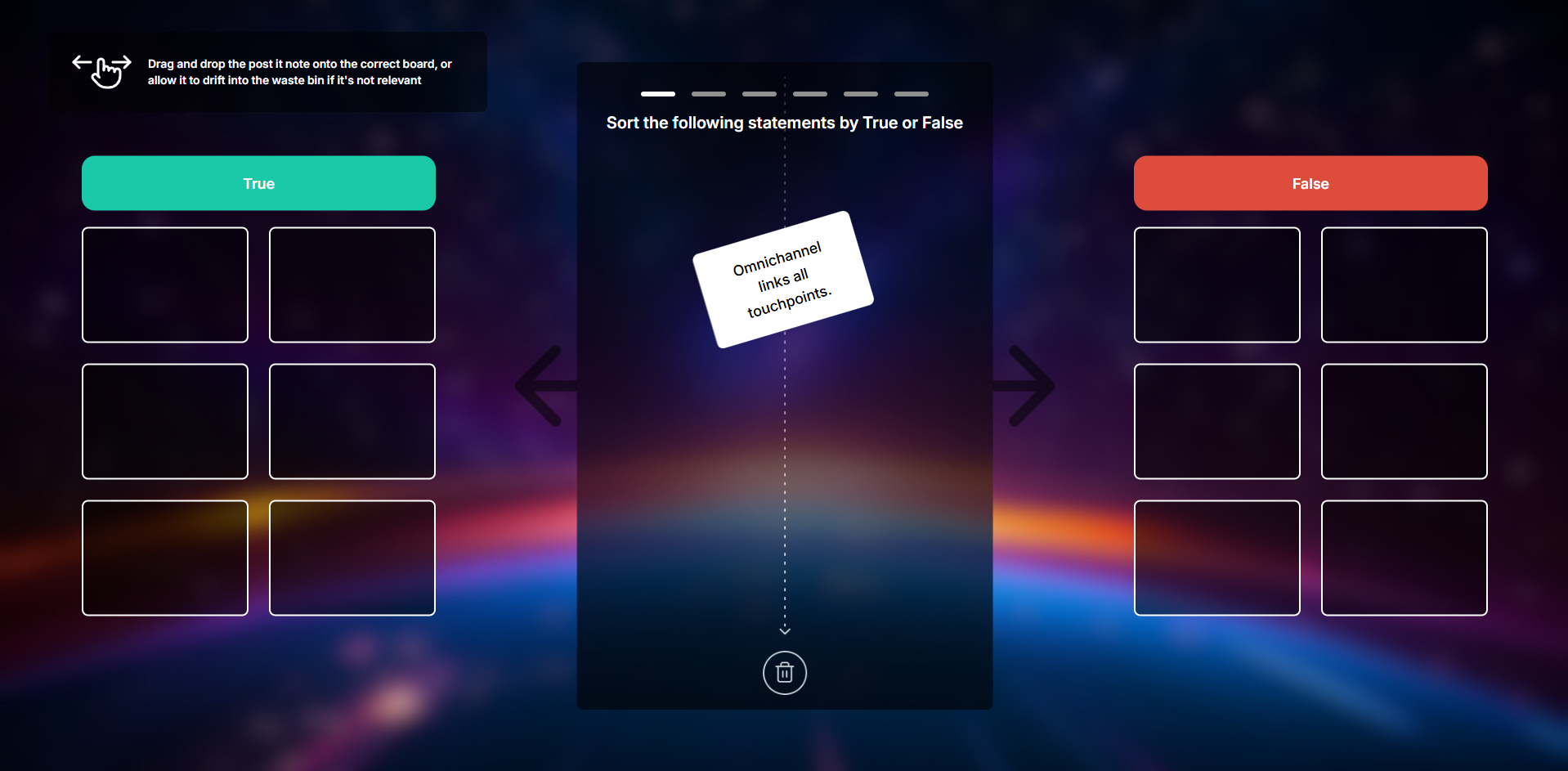
Downfall
Items fall from the top of the screen and learners must sort them into the correct categories before they reach the bottom.
Customisation options:
- Categories and items
- Fall speed and difficulty
- Background image
- Card styling
- Points and penalties
- Sound effects
PostMessage events: finish, reset, updateScore
// Supported events
window.parent.postMessage({ message: "finish" }, "*")
window.parent.postMessage({ message: "reset" }, "*")
window.parent.postMessage({ message: "updateScore", value: 10, choice: "item-1" }, "*")
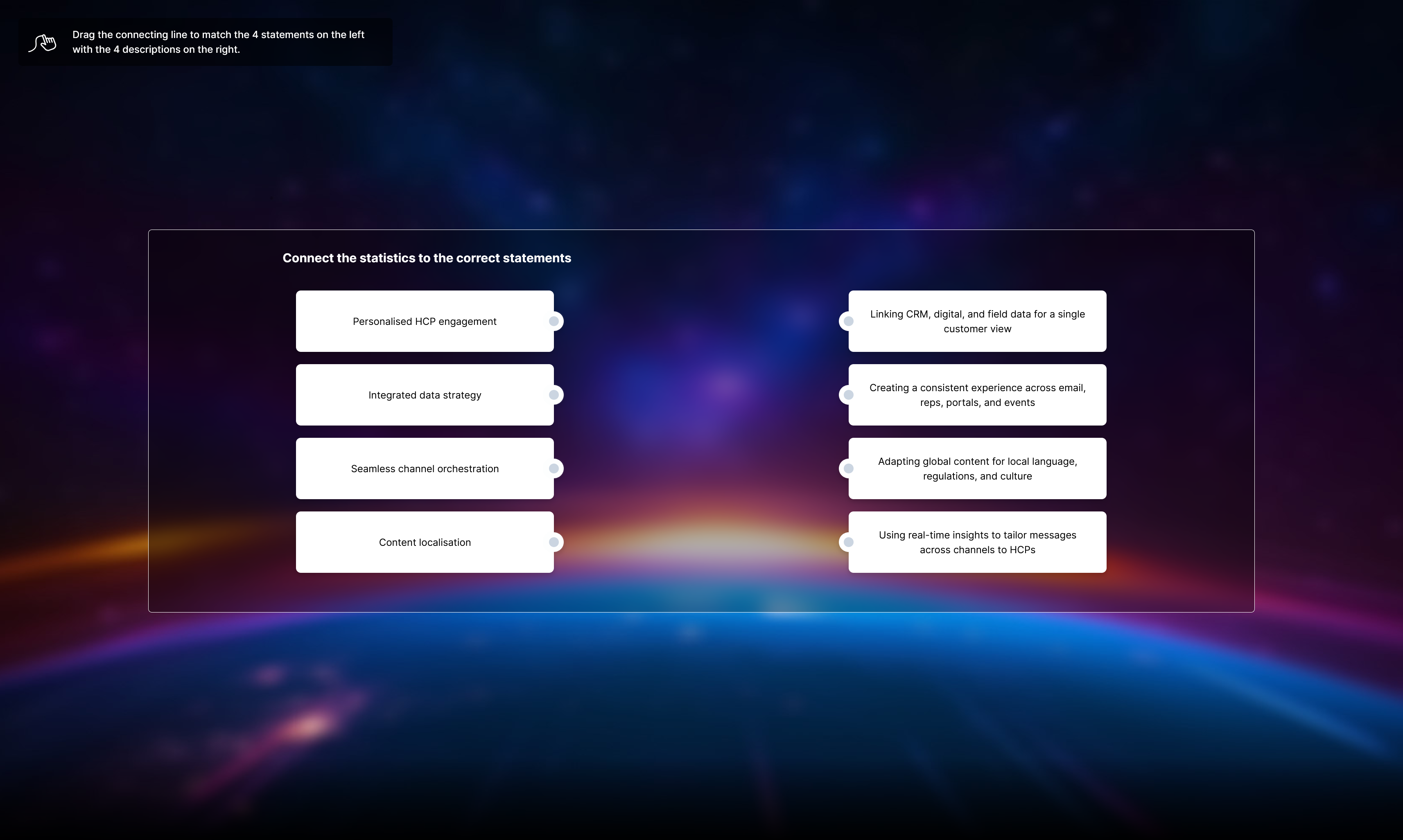
Bezier
A drag-and-drop matching game where learners connect items on the left to their matching pairs on the right using curved lines.
Customisation options:
- Matching pairs (text or images)
- Line colours and styling
- Background image
- Feedback messages
- Points and scoring
PostMessage events: finish, requestForNextPage, reset, updateScore
// Supported events
window.parent.postMessage({ message: "finish" }, "*")
window.parent.postMessage({ message: "requestForNextPage", score: 30, totalGameScore: 30, gameId: "bezier", page: 1 }, "*")
window.parent.postMessage({ message: "reset" }, "*")
window.parent.postMessage({ message: "updateScore", value: 10, choice: "left-1-right-2", isFinished: false }, "*")
Card games
Card games use card-based interactions for learning activities.
Flip
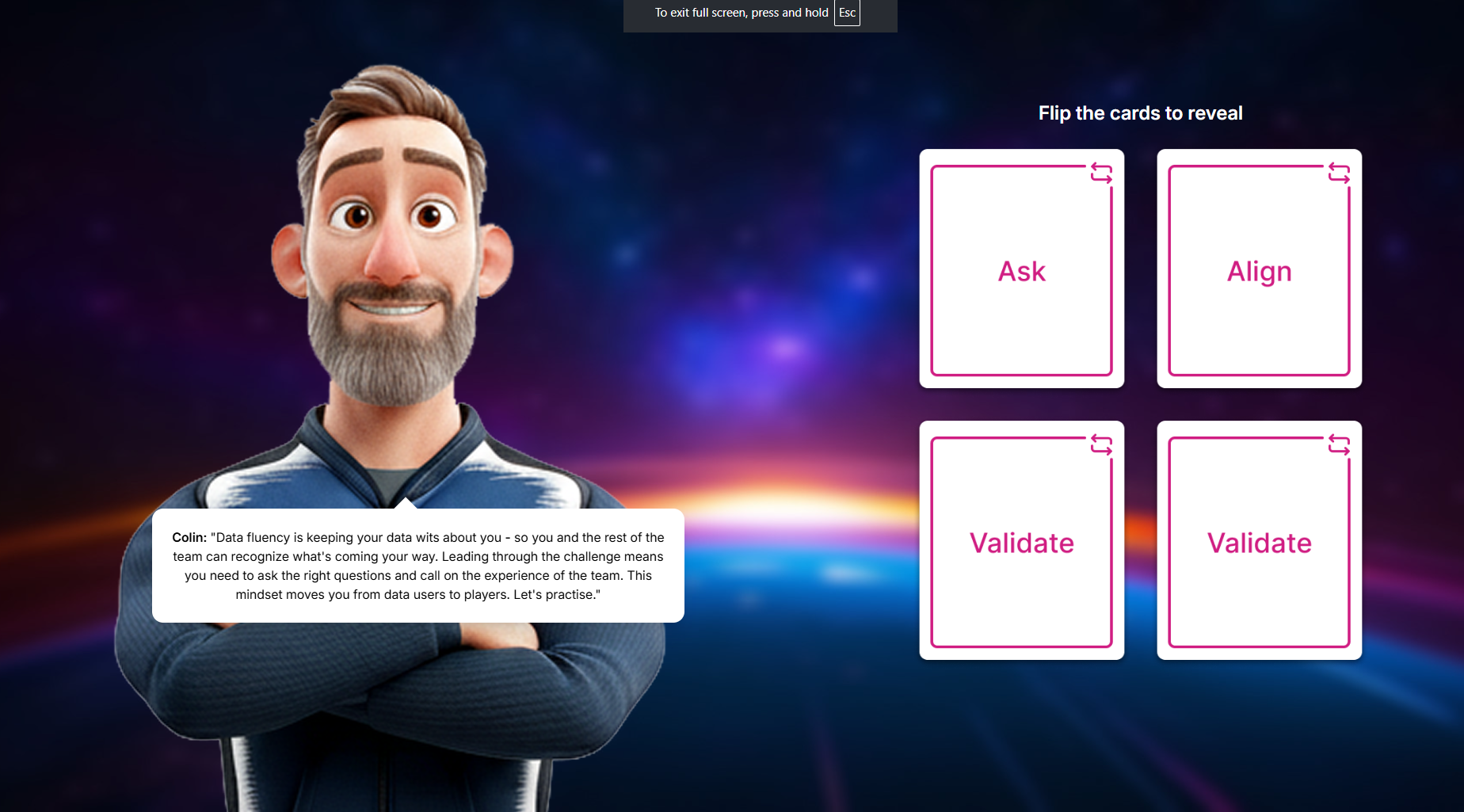
A memory-style game where learners flip cards to find matching pairs. Great for vocabulary, definitions, or image matching.
Customisation options:
- Card pairs (front and back images)
- Grid size
- Background image
- Theme colours
- Points and timing
- Trainer/host image
PostMessage events: finish, requestForNextPage, reset
// Supported events
window.parent.postMessage({ message: "finish" }, "*")
window.parent.postMessage({ message: "requestForNextPage" }, "*")
window.parent.postMessage({ message: "reset" }, "*")
Blanks
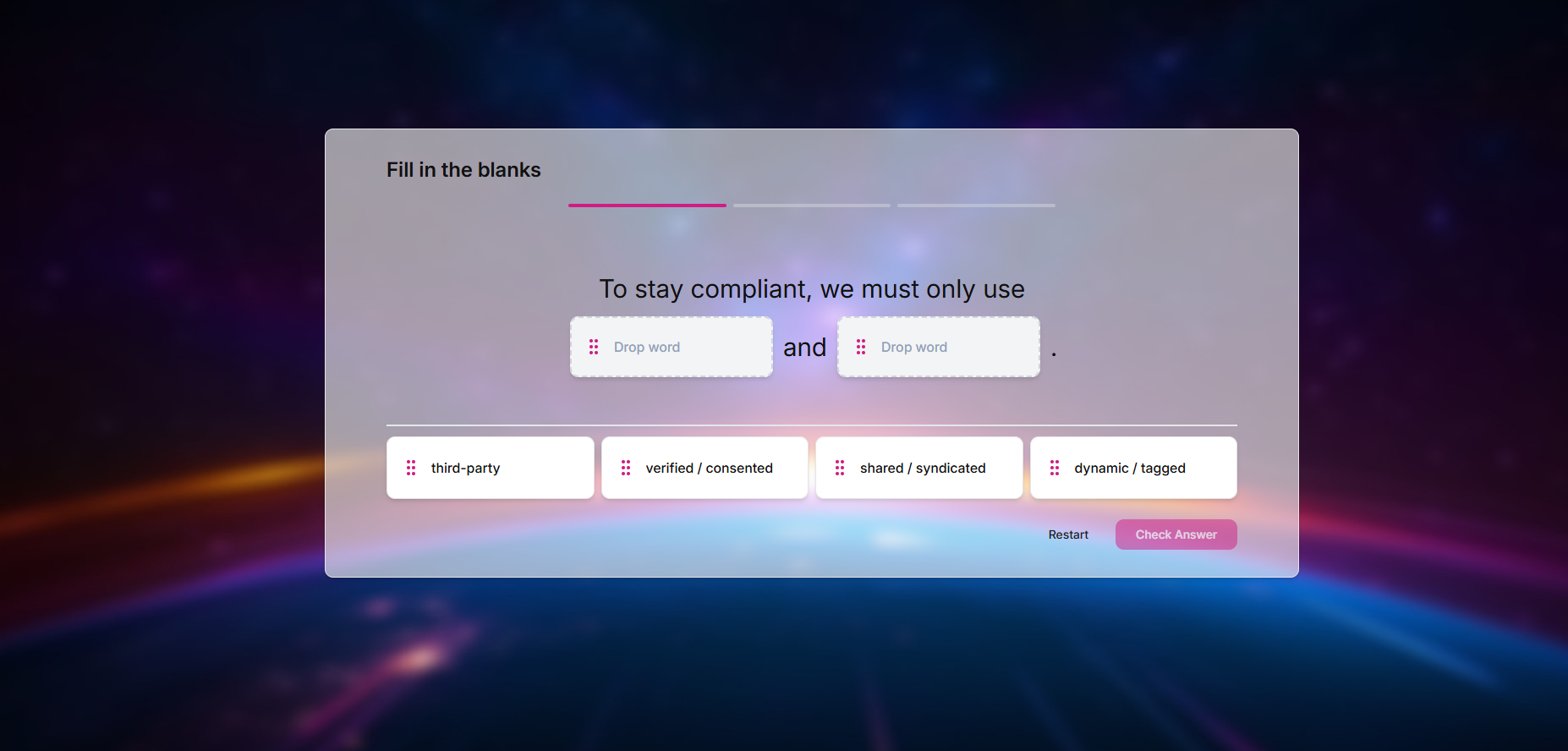
A fill-in-the-blank game where learners drag words or phrases into the correct positions in a sentence or paragraph.
Customisation options:
- Text with blank spaces
- Draggable answer options
- Correct/incorrect feedback
- Background and card styling
- Video support
- Points and scoring
PostMessage events: finish, requestForNextPage, reset, updateScore
// Supported events
window.parent.postMessage({ message: "finish" }, "*")
window.parent.postMessage({ message: "requestForNextPage", score: 20, totalGameScore: 40, gameId: "blanks", page: 1 }, "*")
window.parent.postMessage({ message: "reset" }, "*")
window.parent.postMessage({ message: "updateScore", value: 10, choice: "blank-1" }, "*")
Scenario games
Scenario games present realistic situations where learners make decisions and see the consequences.
Choice Chain
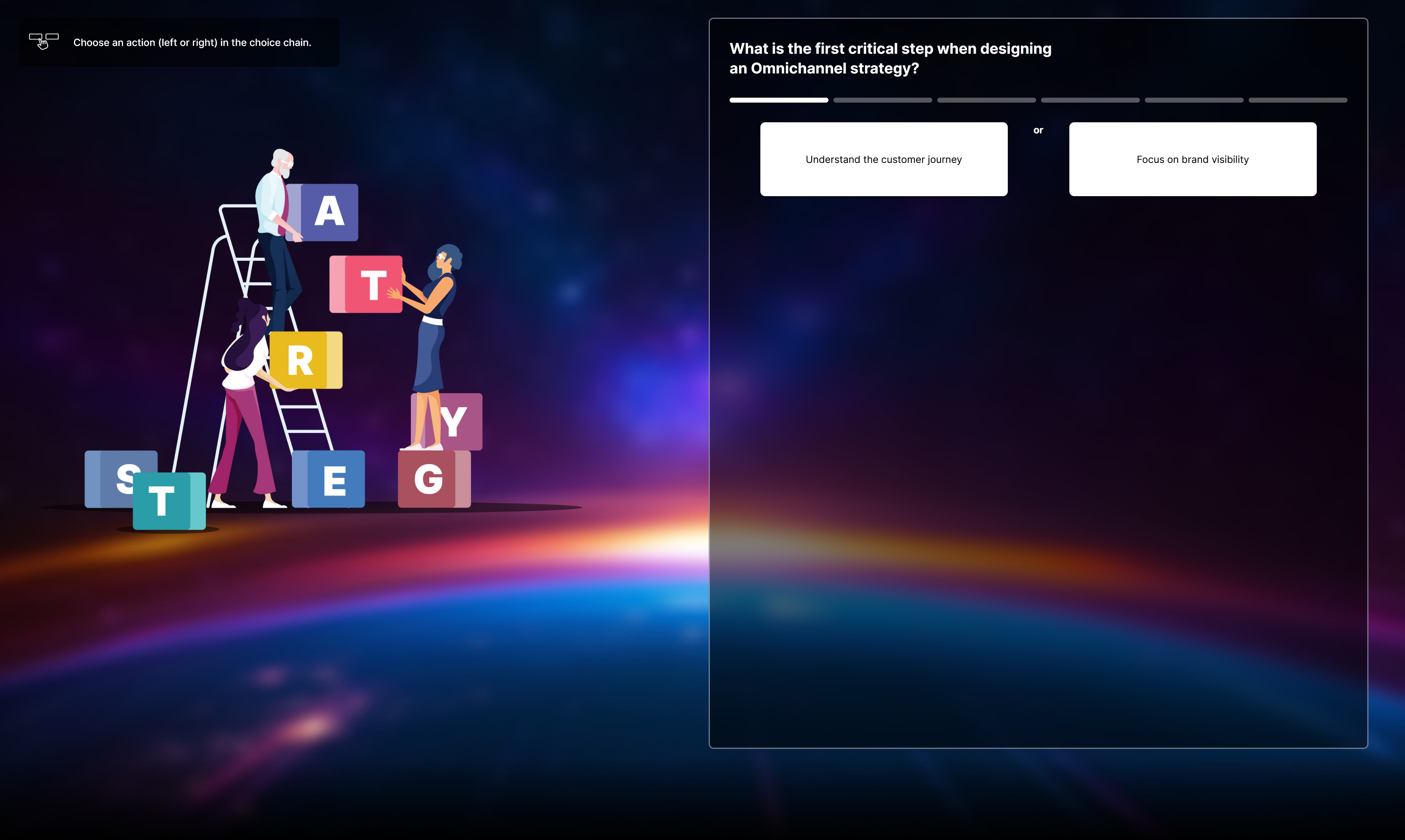
A branching scenario game where each choice leads to different outcomes. Learners see the impact of their decisions through a chain of events.
Customisation options:
- Scenario text and images
- Choice options and branches
- Outcome feedback
- Background images
- Character/card images
- Points based on choices
PostMessage events: finish, requestForNextPage, reset, updateScore
// Supported events
window.parent.postMessage({ message: "finish" }, "*")
window.parent.postMessage({ message: "requestForNextPage", score: 15, totalGameScore: 45, gameId: "choice-chain", page: 1 }, "*")
window.parent.postMessage({ message: "reset" }, "*")
window.parent.postMessage({ message: "updateScore", value: 15, choice: "option-a" }, "*")
Conversation Conductor
A dialogue-based scenario where learners guide a conversation by choosing what to say. Video responses show the outcome of each choice.
Customisation options:
- Video clips for each response
- Dialogue options
- Character names
- Branching paths
- Feedback and scoring
- Background styling

PostMessage events: finish, requestForNextPage, reset, updateScore, nextSlide
// Supported events
window.parent.postMessage({ message: "finish" }, "*")
window.parent.postMessage({ message: "requestForNextPage", score: 20, totalGameScore: 60, gameId: "conversation-conductor", page: 1 }, "*")
window.parent.postMessage({ message: "reset" }, "*")
window.parent.postMessage({ message: "updateScore", value: 10, choice: "dialogue-option-1" }, "*")
window.parent.postMessage({ message: "nextSlide", value: "nextSlide" }, "*")
Adding a game to your project
- Open your project in ChangeLab Creator
- Navigate to the timeline or level editor
- Click Add or drag from the asset panel
- Select Games from the asset type
- Choose the game you want to add
- Use the sidebar to customise questions, answers, and appearance
Games typically have more customisation options than screens. Take time to explore all the tabs in the sidebar to see everything you can change.